Routes
Decide which contact lists and integrations are notified for which alerts.
Routes
A route matches alerts and says who to notify. Every route that matches an alert is used.
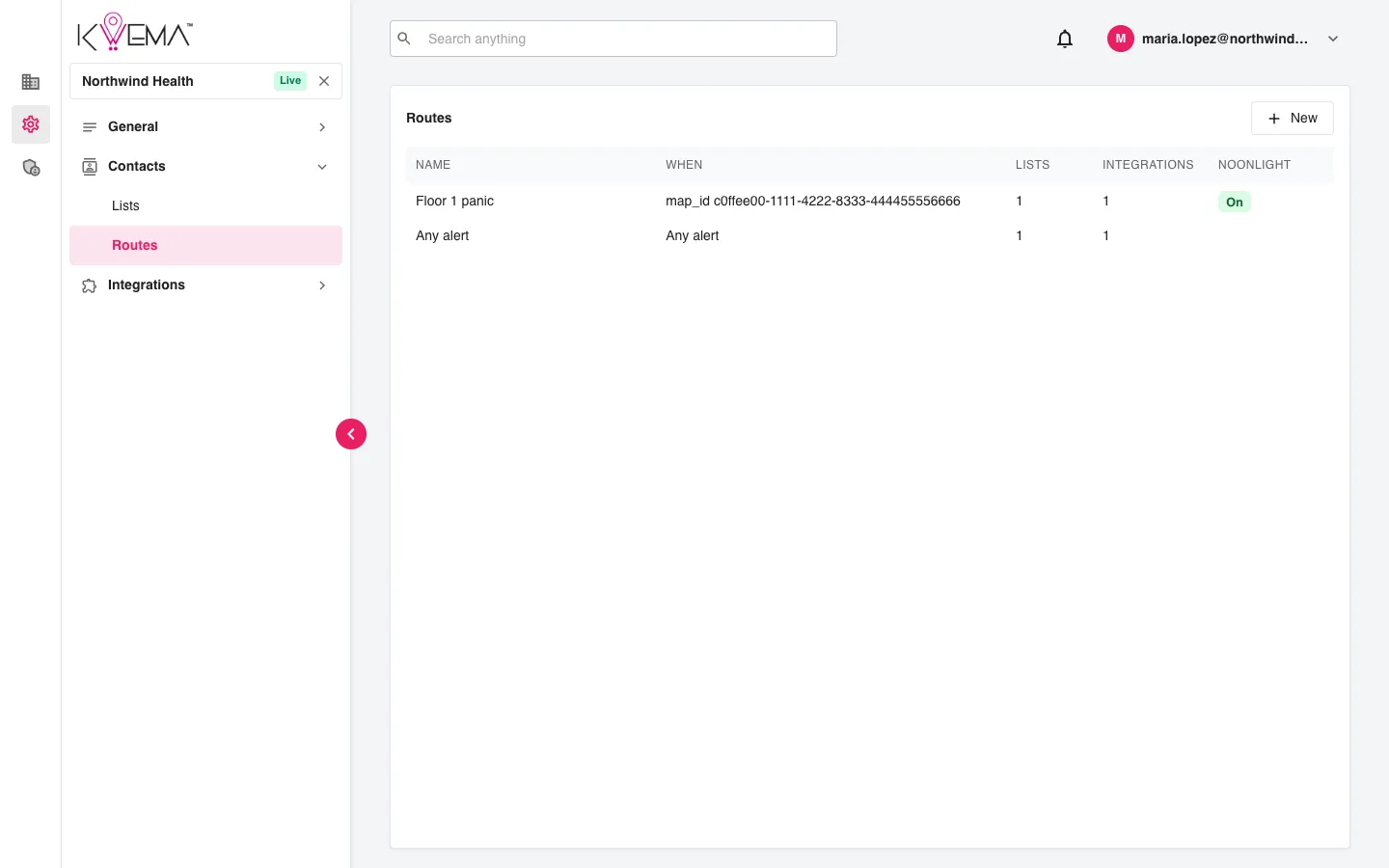
- Select New to create a route, or select a route to edit it.
Edit a route
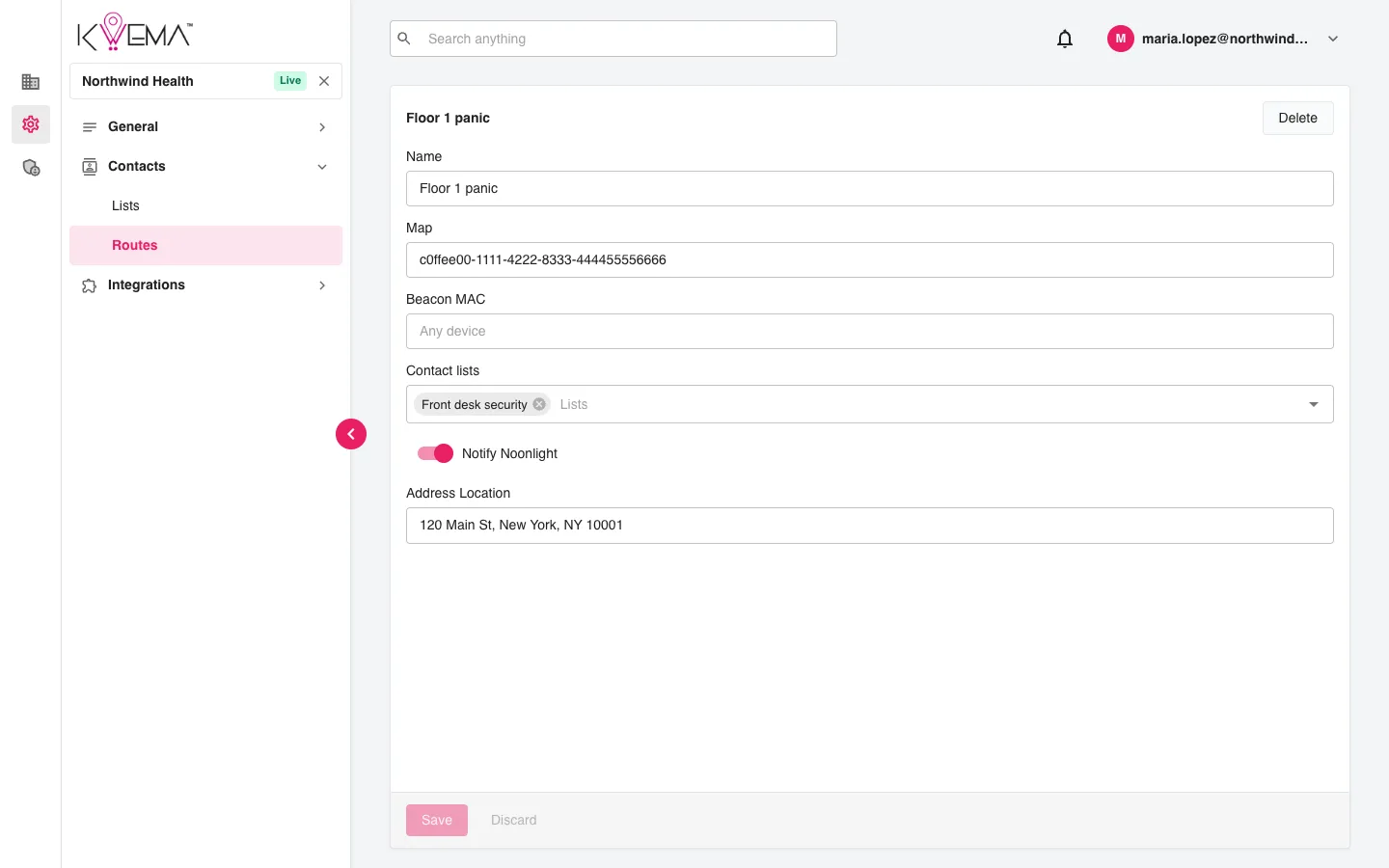
| Field | What it does |
|---|---|
| Name | A label for the route. |
| Map | Only match alerts on this floor map. Leave empty for any map. |
| Beacon MAC | Only match alerts from this badge. Leave empty for any device. |
| Contact lists | The lists texted when the route matches. |
| Notify Noonlight | Also create an emergency dispatch in Noonlight. |
| Address Location | The street address sent to Noonlight. Shown when Notify Noonlight is on. |
Select Save to keep changes. Delete removes the route after confirmation.