Contact lists
Groups of people who receive alert SMS.
Contact lists
A contact list is a group of people texted when an alert is raised. Routes decide which lists are used for which alerts.
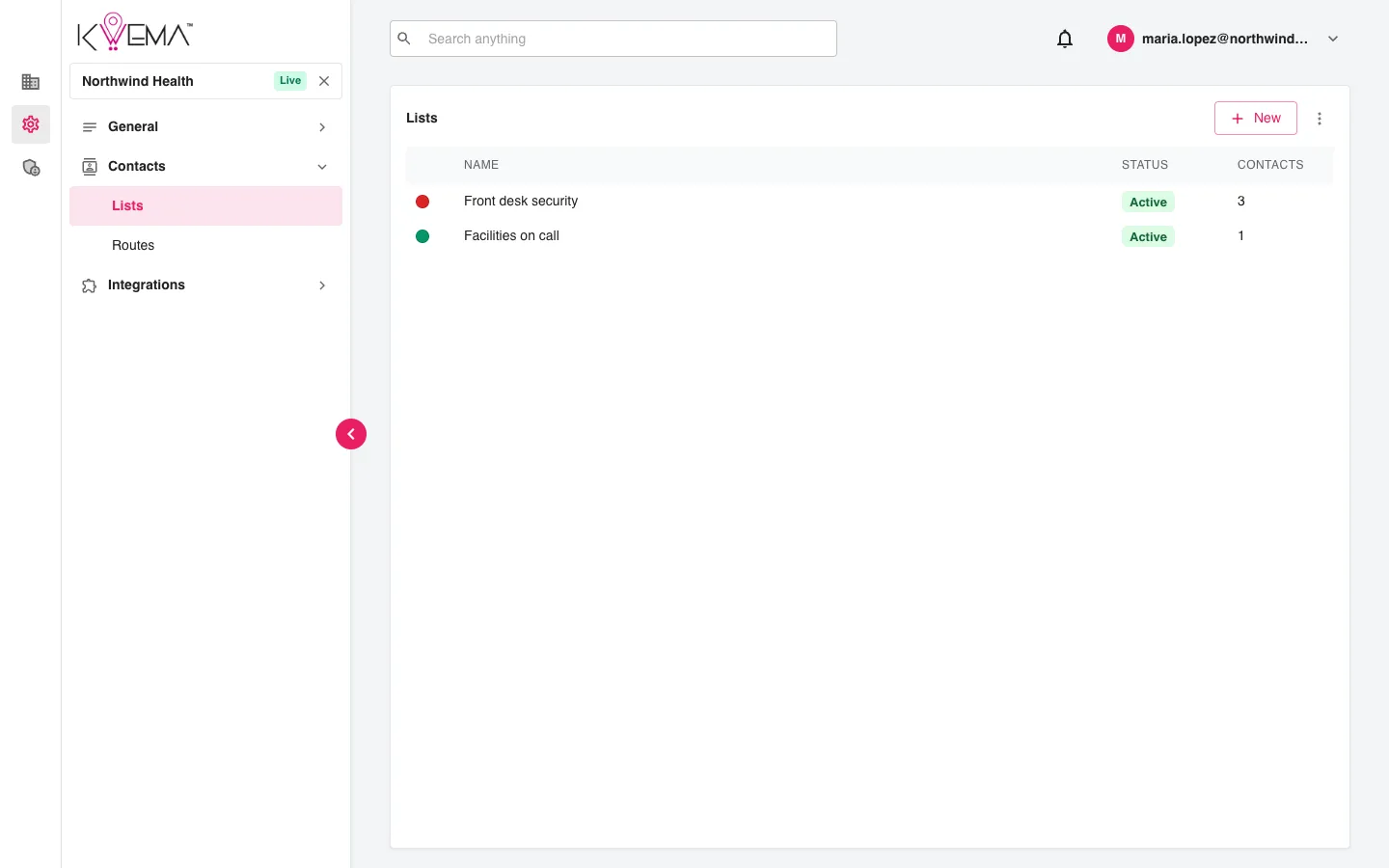
- Select New, give the list a Name and Color, and create it.
- Select a list to edit it.
- Use the options menu to Show archived lists.
Edit a list
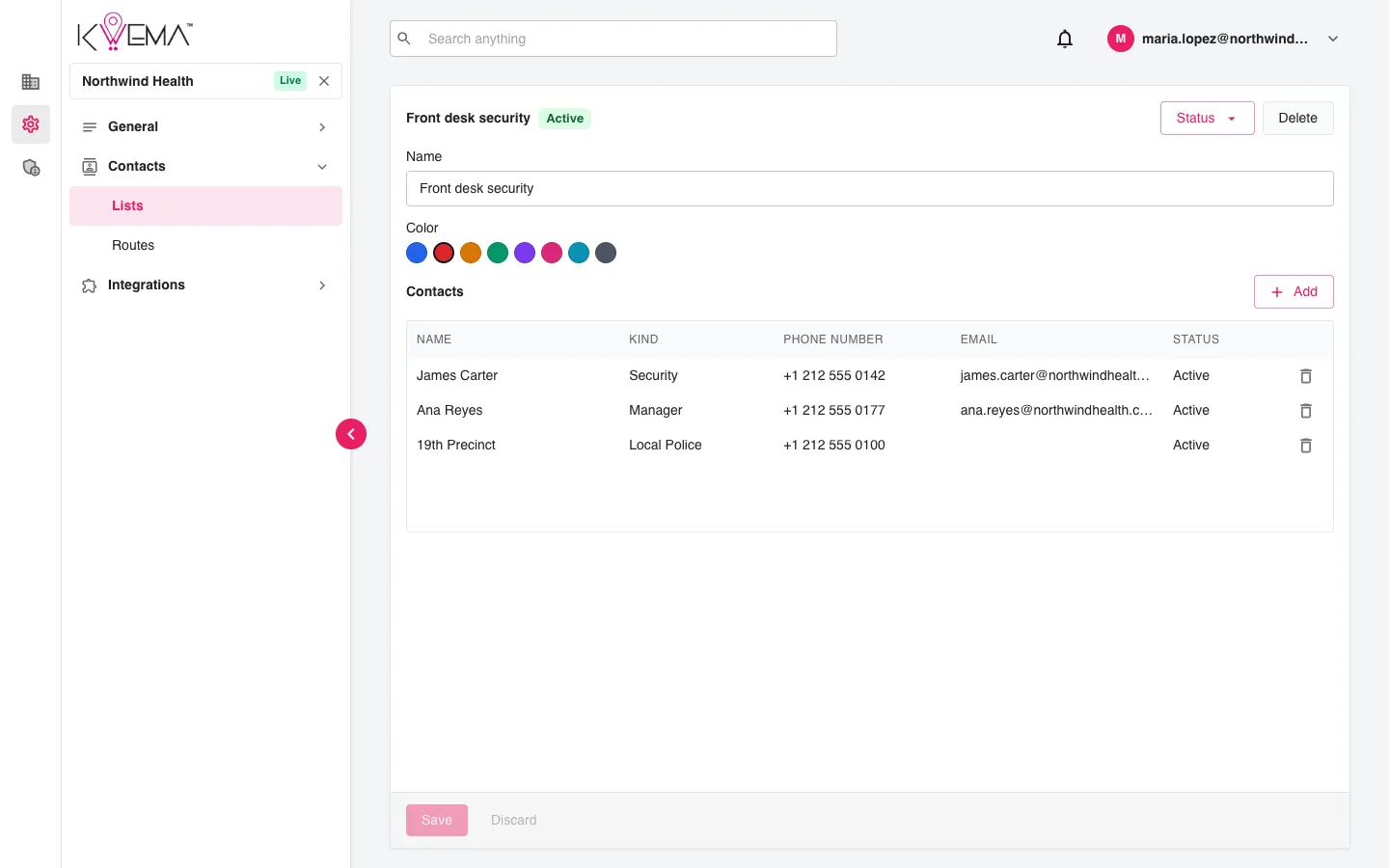
- Change the list's Name and Color.
- Select Add to add a contact: Name, Kind (General, Facilities, Security, Manager, Local Police, Law Enforcement, Contractor), Phone number, optional Email, and Status (Active or Unactive). Contacts already used in other lists are suggested as you type.
- Select a contact to edit it, or the trash can to remove it.
- Use Status at the top to archive or reactivate the list, and Delete to remove it.
Select Save to keep your changes.