Objects
Buildings, floors, and devices attached to your organization.
Objects
Objects are your buildings, floors, access points, and badges. Attaching an object to an organization makes it, and everything under it, part of that organization. Alerts from its devices then appear in the console, and its floors appear as maps.
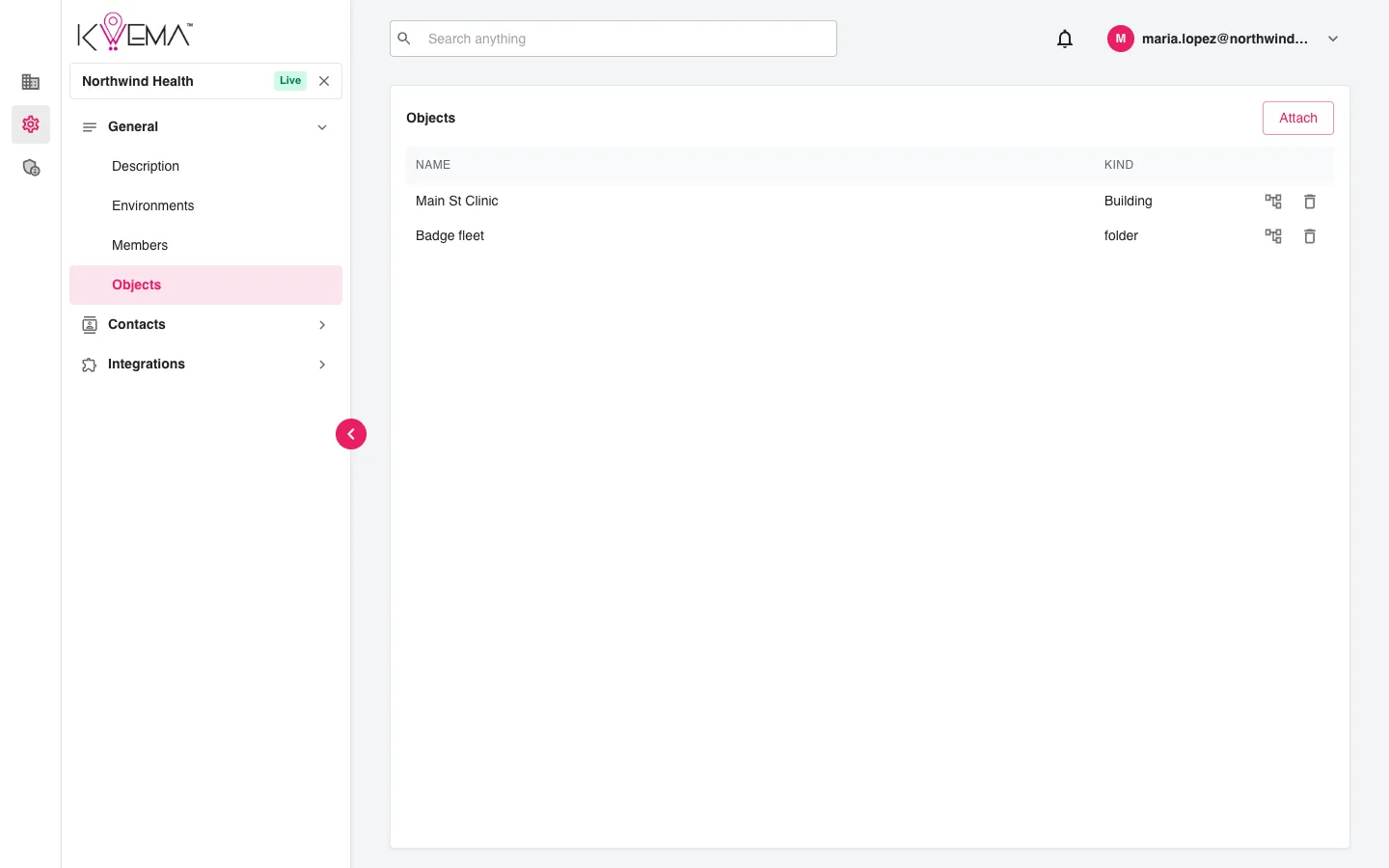
- Select Attach and pick an object to add it.
- Select the tree icon (Expand) to see everything under an attached object.
- Select the trash can (Remove) to detach it. The object itself is not deleted.