Dashboard
Live overview of open alerts, recent history, and weekly totals.
Dashboard
The dashboard is the first page after sign-in. It updates by itself when alerts are raised or resolved.
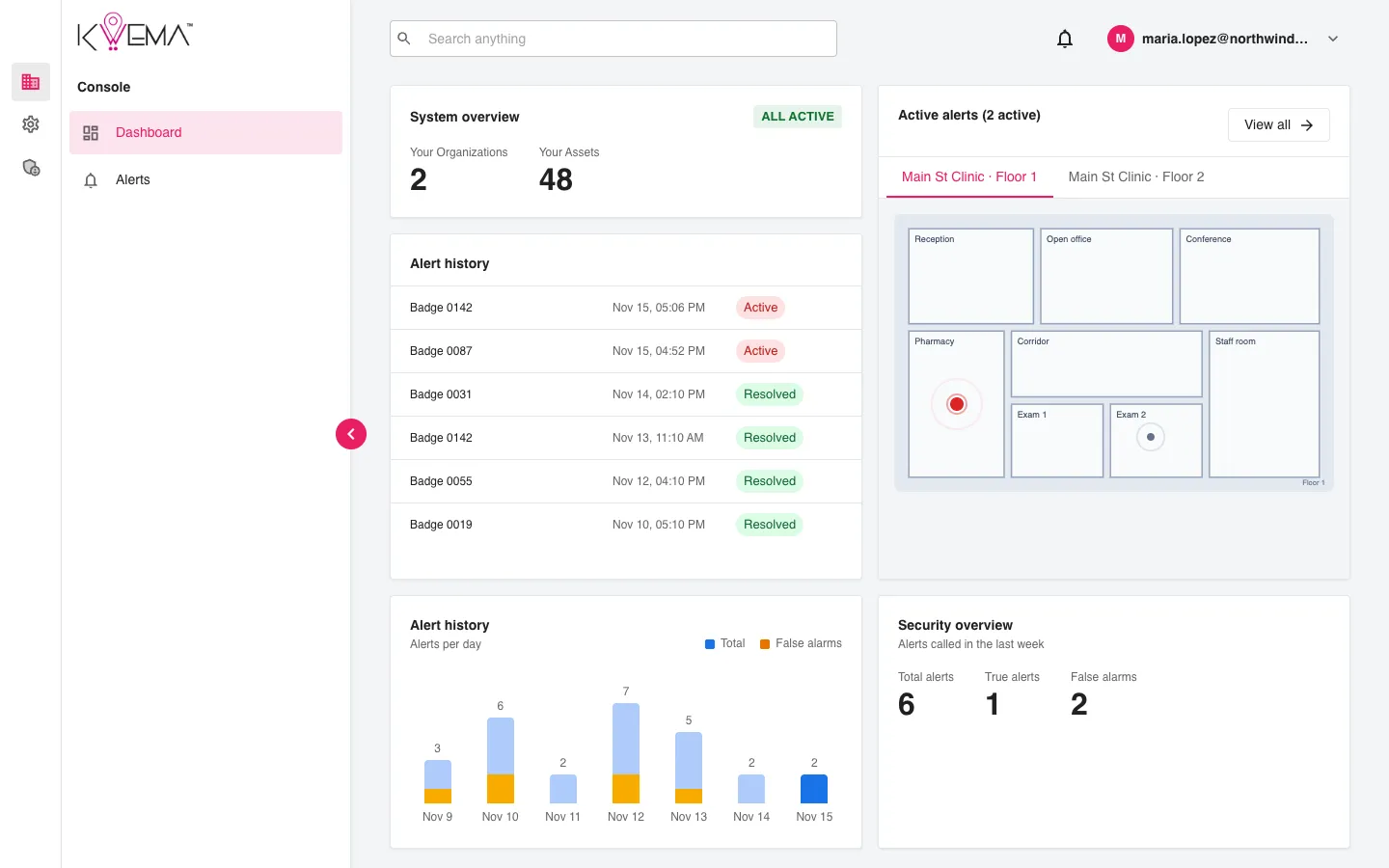
System overview
- Your Organizations: how many organizations you belong to.
- Your Assets: how many devices (badges, access points) those organizations have.
Active alerts
A floor map with a pin for every open alert. Each floor has its own tab.
- Select a pin to open that alert.
- Select View all to open the Alerts page filtered to active alerts.
Alert history
The latest alerts with device, time, and status. Select a row to open its details.
Alerts per day
A bar for each of the last 7 days. The orange part of each bar is false alarms. Select a bar to see that day's alerts.
Security overview
Alerts raised in the last week: Total alerts, True alerts, and False alarms. True and false counts come from the post status set when an alert is resolved.