Sign in
Sign in to the Kwema console with an emailed code, Google, or SSO.
Sign in
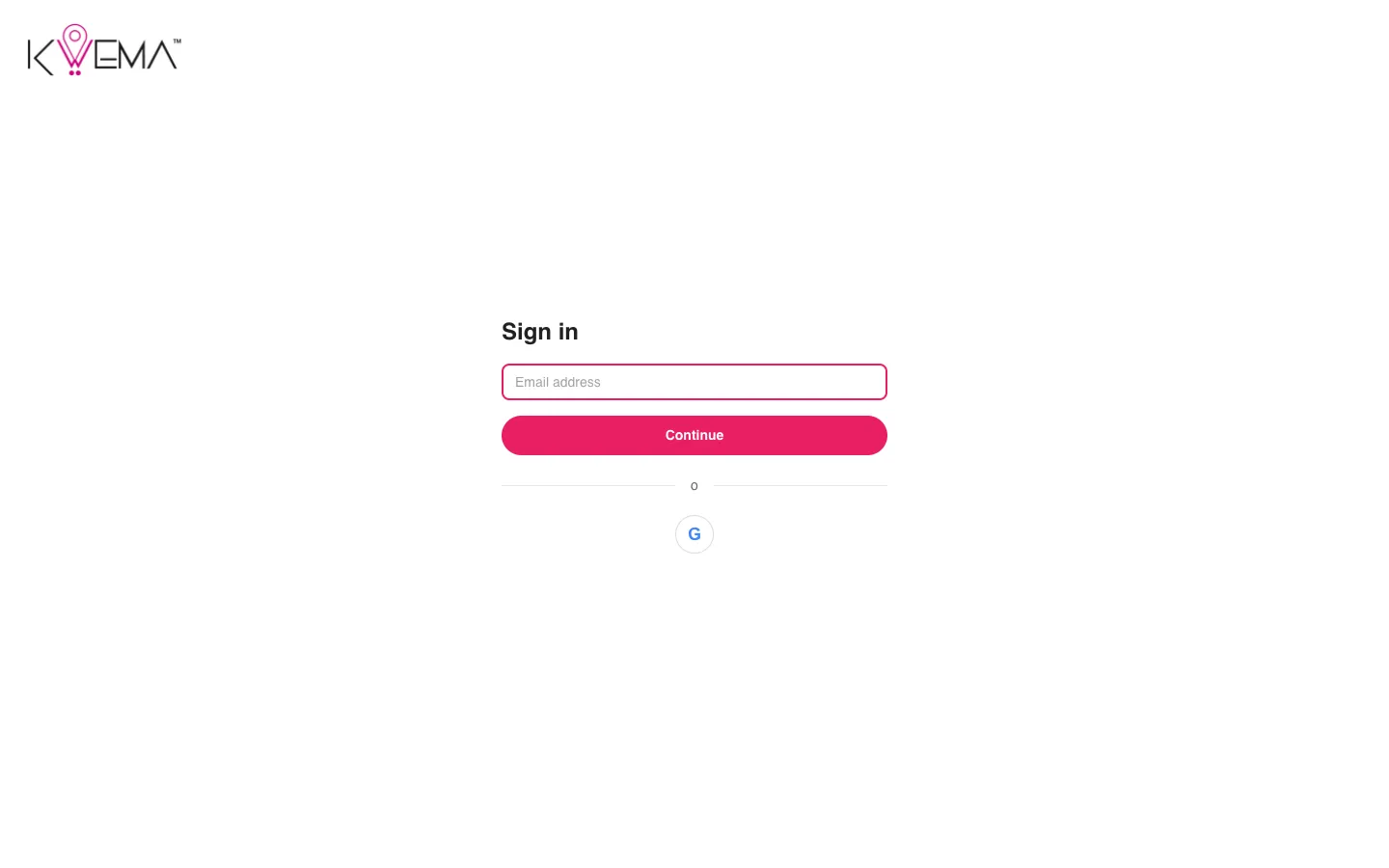
With an emailed code
- Enter your work email and select Continue.
- Check your inbox for an 8-character code.
- Type or paste the code. You are signed in as soon as the last character is entered.
If the code is wrong, the page says so and you can try again.
With Google
Select the Google button under the email form and pick your work account.
With single sign-on (SSO)
If your organization has SSO enabled for your email domain, entering your email and selecting Continue sends you to your company's identity provider (Google, Microsoft, or Okta). After you sign in there, you return to the console signed in.
Signing out
Open the account menu at the top right and select Sign out.