Organizations
Pick an organization and edit its name, status, and description.
Organizations
Select Settings (gear icon) in the left rail to see your organizations.
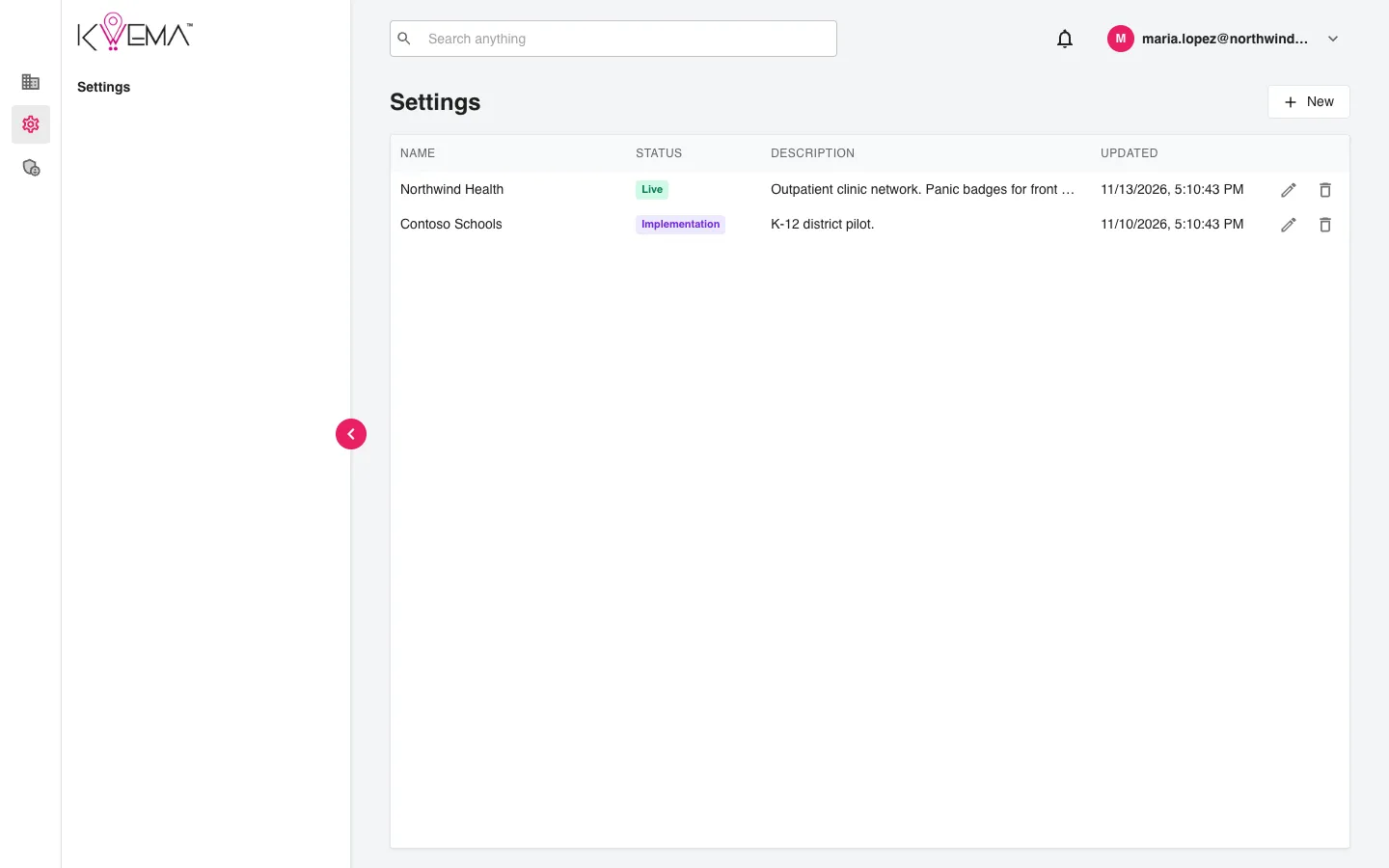
Select an organization to open its settings. The left menu then shows its sections:
- General: Description, Environments, Members, Objects
- Contacts: Lists, Routes
- Integrations: Noonlight, SSO
Select × next to the organization name to go back to the list.
Description
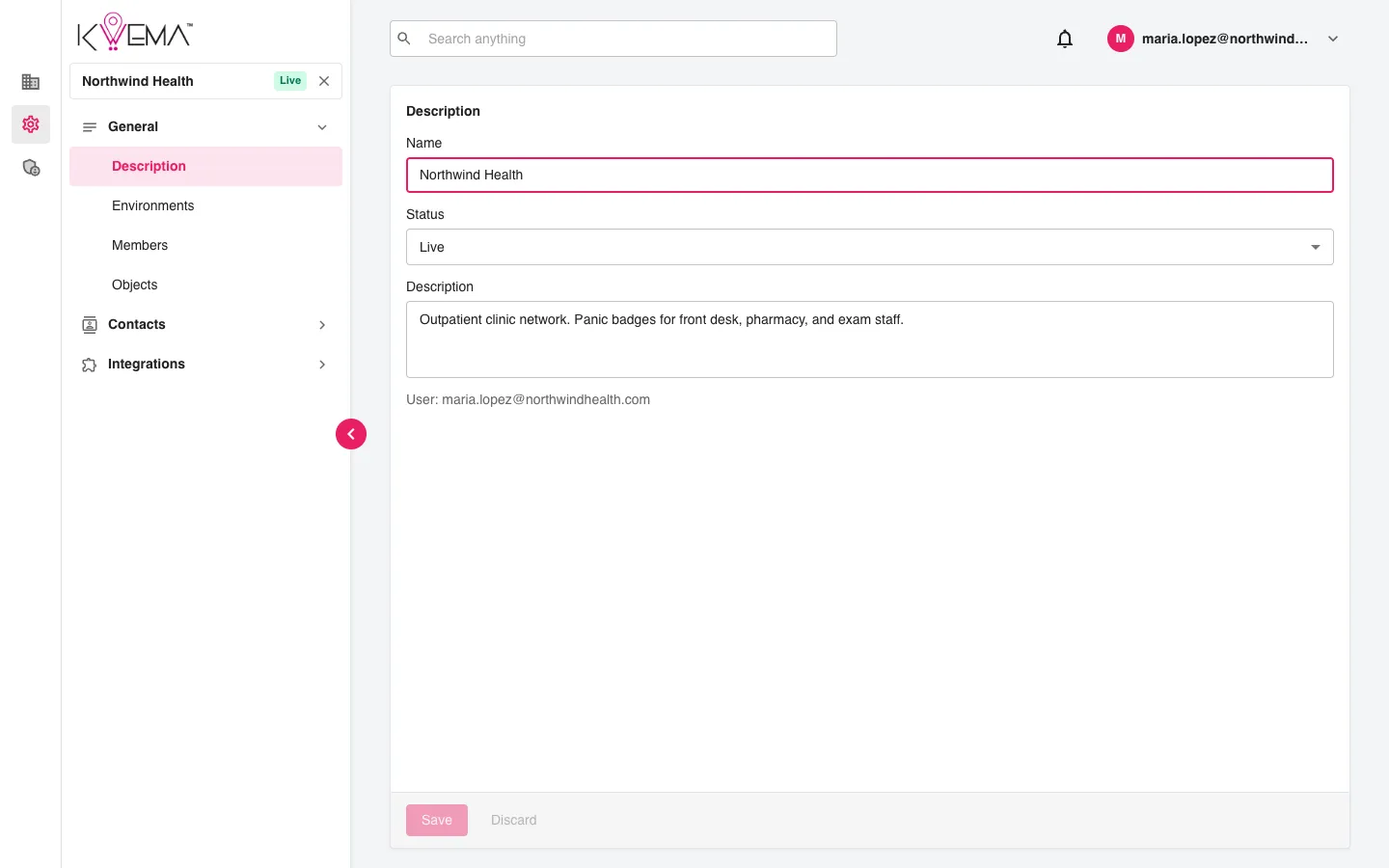
Edit the organization's Name, Status, and Description, then select Save. Discard throws away unsaved changes.